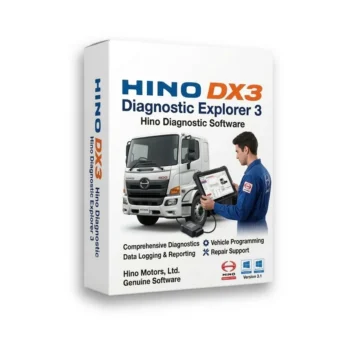
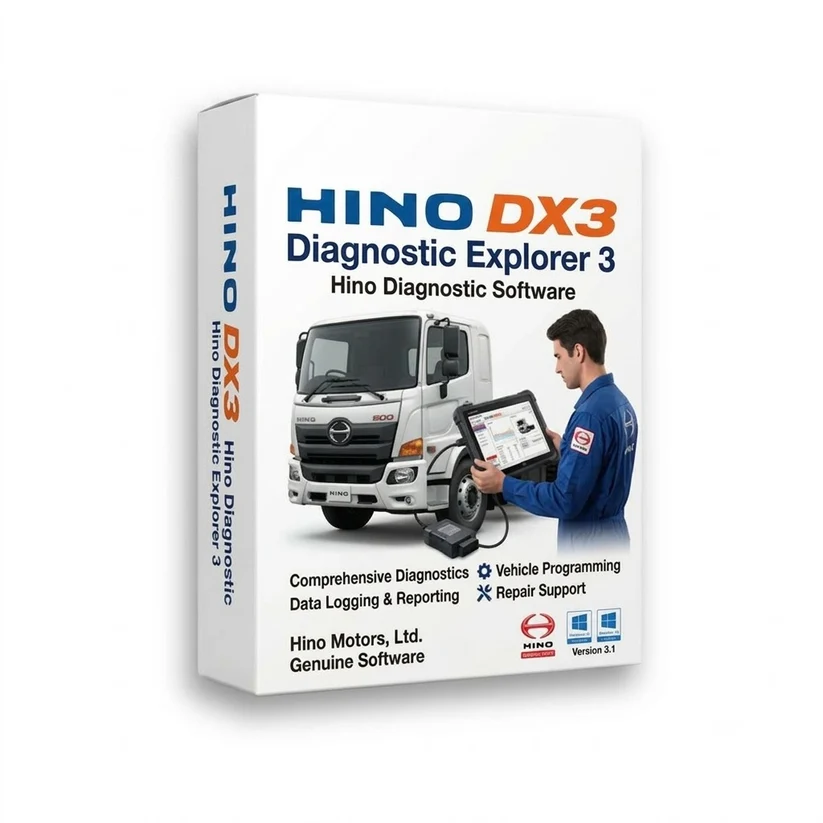
Hino Diagnostic eXplorer (DX3) – Professional Diagnostic & Programming Software
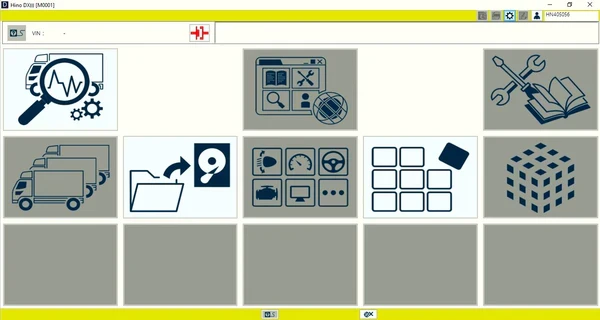
Hino Diagnostic eXplorer (DX3) is the official Windows-based diagnostic software developed for servicing, diagnosing, configuring, and maintaining Hino commercial vehicles. Designed for professional technicians, fleet maintenance providers, and commercial vehicle repair workshops, DX3 provides comprehensive access to Hino electronic control systems, enabling efficient diagnostics, parameter configuration, component testing, and maintenance operations.
The software communicates directly with supported Electronic Control Modules (ECMs) and vehicle systems, allowing technicians to diagnose faults, monitor live data, perform calibration procedures, and configure vehicle settings.
Key Features
✅ Read and clear Diagnostic Trouble Codes (DTCs) ✅ Monitor live engine and vehicle data parameters ✅ Perform active tests and component activation ✅ Record and analyse engine operating data ✅ Configure user and vehicle-specific settings ✅ Perform ECU diagnostics and troubleshooting ✅ Generate comprehensive diagnostic reports ✅ Configure communication and interface settings ✅ Support maintenance and service procedures
Note: Engine ECU diagnostics, programming, and customization functions are available only on vehicles equipped with Hino engines.
Vehicle Configuration & Customisation
Configure and adjust supported vehicle functions, including:
✔ Idle Shutdown Settings ✔ Power Take-Off (PTO) Configuration ✔ Vehicle Speed & Cruise Control Settings ✔ Engine Protection Parameters ✔ Maintenance Service Intervals ✔ System Protection Data Reset ✔ Injector Calibration Codes ✔ DPR (Diesel Particulate Reduction) System Reset ✔ SCR (Selective Catalytic Reduction) System Reset ✔ Engine component replacement learning procedures
Supported Control Modules
Supports diagnostics and configuration for:
✔ Engine Control Module (Hino engines only) ✔ Doser Control Module ✔ Burner Control Module ✔ Vehicle Control Module (VCM)
Additional Features
✅ Configure communication interfaces ✅ Language selection and localisation settings ✅ Measurement unit configuration ✅ Display and view customisation ✅ Generate pre-diagnostic, diagnostic, and post-diagnostic reports
Ideal For
Hino truck repair workshops
Commercial vehicle service centres
Fleet maintenance providers
Diesel engine specialists
Heavy-duty vehicle technicians
Hino dealership service departments
System Requirements
Windows 10
Minimum 4 GB RAM
2 GHz or faster processor
20 GB free disk space
Display resolution of 1280 × 768 or higher
Important Information
License: Activation for 1 PC
After purchase, our technical support team will provide FREE remote installation, activation, and configuration assistance to ensure the software is fully operational.
Hino Diagnostic eXplorer (DX3) is an essential diagnostic solution for professionals servicing Hino commercial vehicles, providing advanced diagnostics, ECU configuration, component testing, parameter monitoring, calibration support, and maintenance tools required to maximise vehicle reliability, minimise downtime, and improve workshop efficiency.
Reviews
There are no reviews yet.
Only logged in customers who have purchased this product may leave a review.



Reviews
There are no reviews yet.