
Mercedes_IMMO OFF_(FBS4) and MB_ECU_Renew
€165.00
DESCRIPTION
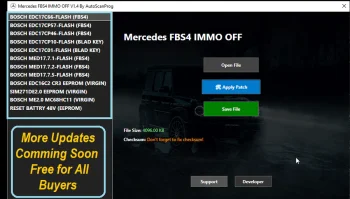
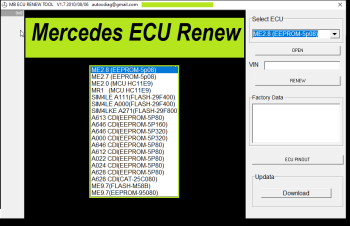
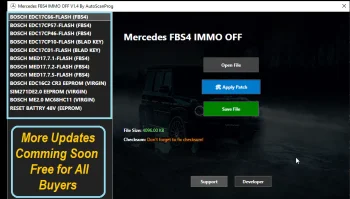
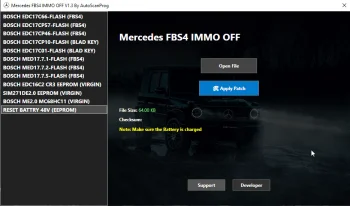
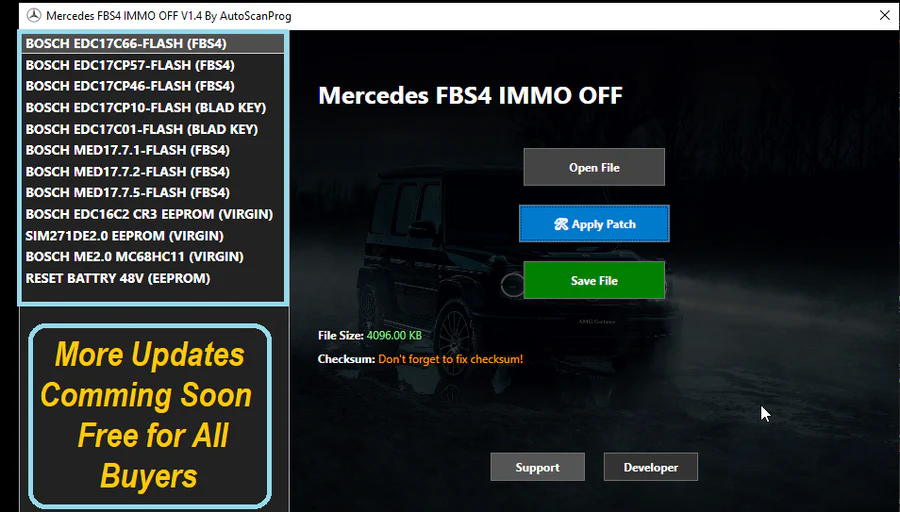
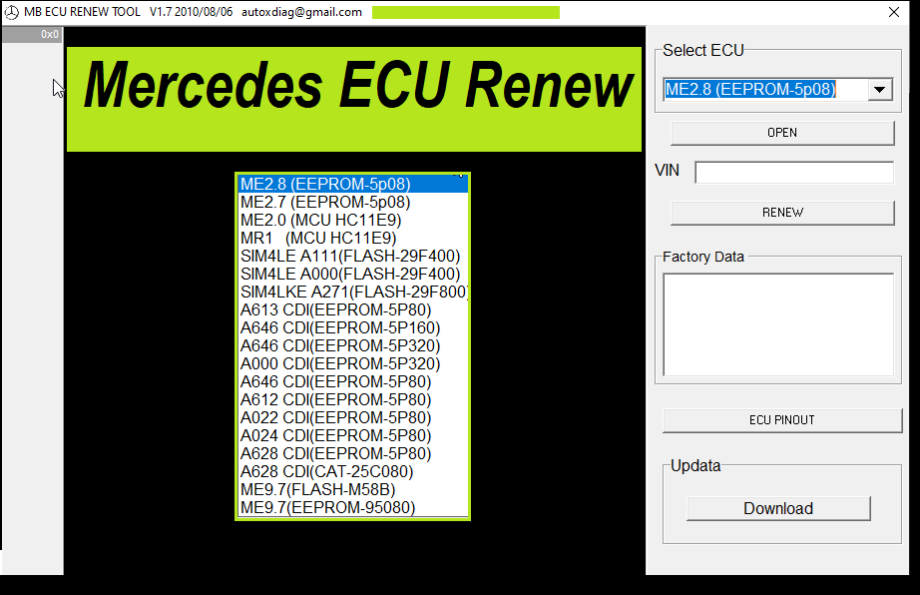
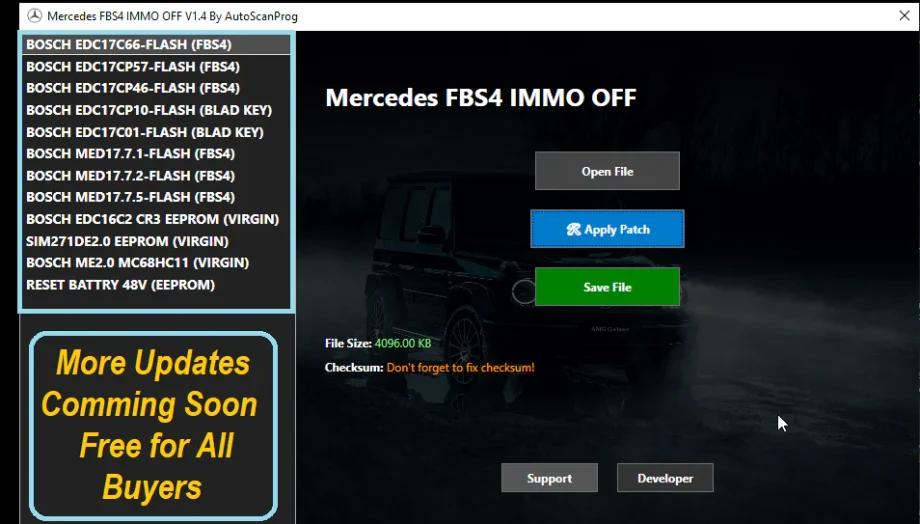
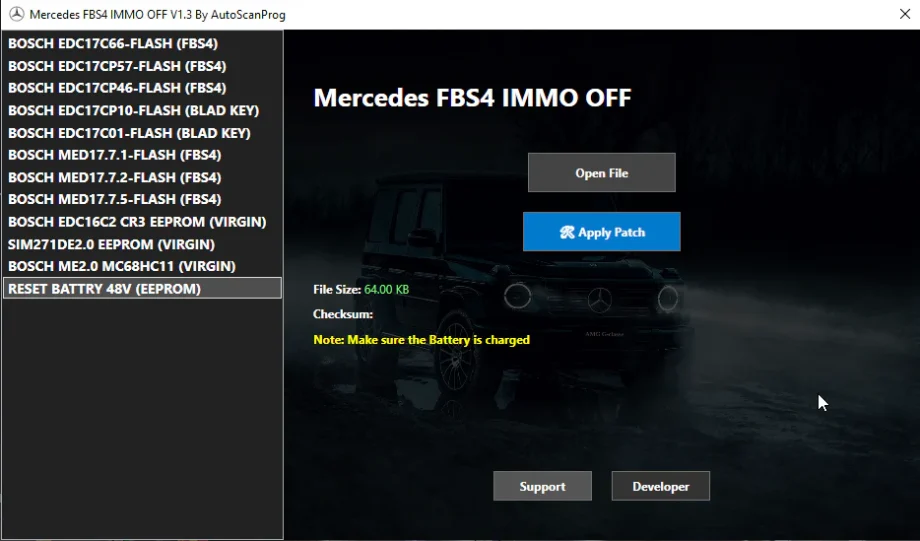
Mercedes IMMO OFF FBS4 and MB ECU Renew Software
Mercedes IMMO OFF FBS4 and MB ECU Renew provides tools for handling FBS4 immobilizer data and restoring Mercedes ECUs to a clean state. Workshops use this software for ECU replacement, used ECU installation, key programming support, and FBS4 reset operations. The package works with modern Mercedes platforms that run FBS4 security systems.
Main Functions
- IMMO OFF processing for supported FBS4 units.
- ECU Renew mode for clearing old security data.
- Automatic checksum correction.
- VIN data correction tools.
- Personalization removal for used ECUs.
- Support for file reading by OBD, bench, or boot methods depending on ECU type.
Supported ECU Types
- Bosch ME9, ME97, MED17.
- Bosch EDC16, EDC17, MD1, MG1.
- SIM271, SIM272, SIM4LE.
- CRD2, CRD3, CRD3.xx diesel units.
- Various gear modules depending on dump compatibility.
Supported Mercedes Models
The software supports a wide range of platforms including A Class, B Class, C Class, E Class, S Class, CLS, GLA, GLC, GLE, GLS, Vito, Sprinter, and older models using Bosch ECUs listed above.
ECU Renew Features
- Removes old FBS data.
- Resets ECU to a clean factory-like state.
- Prepares the ECU for new personalization and activation.
- Supports used ECU installation in place of damaged units.
IMMO OFF Features
- Removes immobilizer logic where supported.
- Allows engine start without original FBS4 key communication.
- Useful for testing, off road, or special project vehicles.
Technical Features
- Works with binary and EEPROM files.
- Clear status reports after each operation.
- Fast file processing.
- Compatible with tools such as KTAG, Autotuner, Flex, Scanmatik, and others that support Mercedes ECU dumps.
Workshop Advantages
- Faster turnaround for ECU-related repairs.
- Ability to install second hand ECUs safely.
- Fewer module replacements.
- Stable workflow for FBS4-related jobs.
What You Receive
- Full software package.
- Activation guide.
- Instructions for reading and writing supported files.
Installation Steps
- Install the program on a Windows PC.
- Read ECU file with your tool.
- Select the function you need.
- Process and save the output file.
- Write the file back to the ECU.
Contact
Website: jaybeeautos.com
WhatsApp: +48732100572
Only logged in customers who have purchased this product may leave a review.
Reviews
There are no reviews yet.