




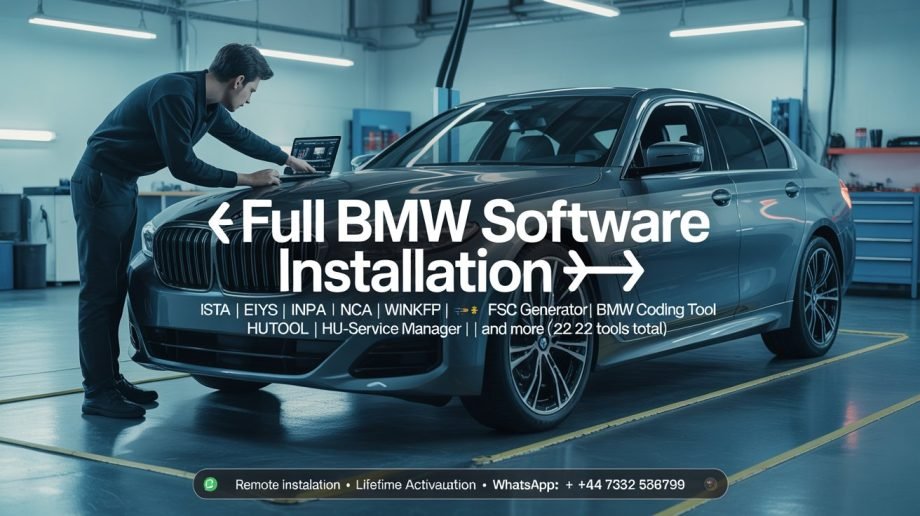
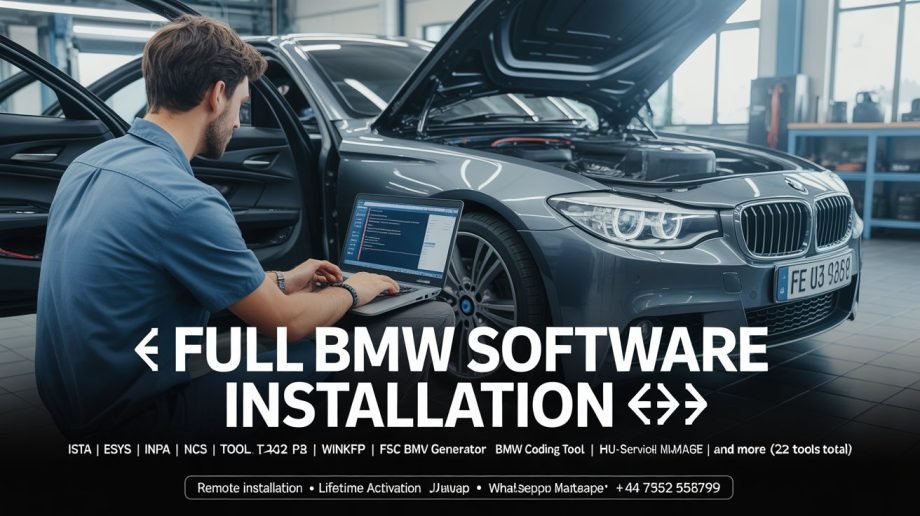
FULL BMW PACKAGE
Original price was: €500.00.€220.00Current price is: €220.00.
🔥 LIMITED TIME OFFER 🔥
Get the FULL BMW SOFTWARE INSTALLATION PACKAGE
Only €220 — Today Only!
Offer ends when the countdown reaches zero. Don’t miss out.
After payment, receive full installation guide and remote setup access instantly.
Description
🔥 FULL BMW SOFTWARE INSTALLATION 🔥
Struggling with incomplete BMW software and constant installation errors?
Stop wasting time on random downloads that fail when you need them most.
Your Complete BMW Workshop Toolkit
Get all the professional BMW tools you need for coding, programming, and diagnostics in one verified bundle.
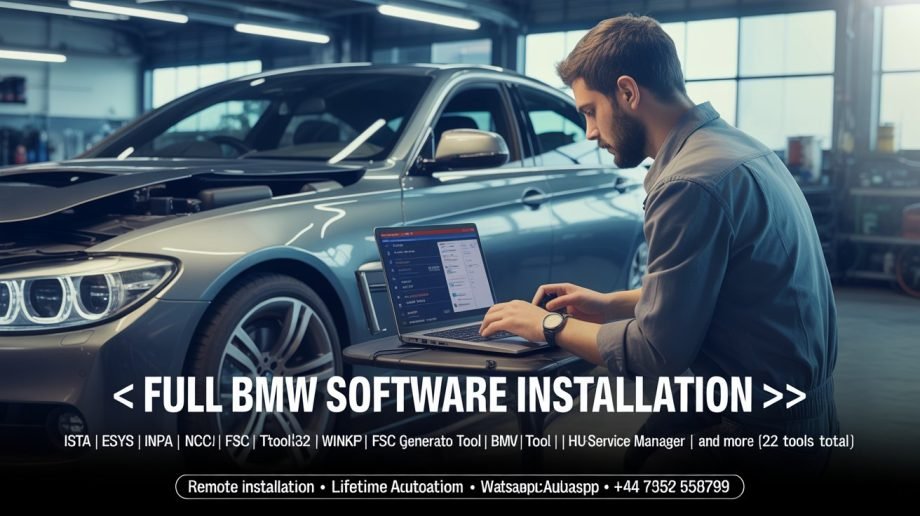
- ISTA 4.46.21 – Full Diagnostics & Programming
- Esys 3.30.1 – Advanced BMW Coding
- INPA, NCS Expert, Tool32, WinKFP – Core ECU Tools
- BMW Coding Tool, FSC Generator, HUTOOL 2.6
- HU-Service Manager, NCS Dummy, and 14+ more
Why Technicians Choose This Package
• Remote installation done by experts .
• Lifetime activation, no license expiry.
• Pre-tested and fully configured.
• Trusted by over 500+ workshops worldwide.
Complete BMW Workshop Software Explained
This package gives you full control over BMW coding, diagnostics, and ECU programming.
Below is what makes each software essential for professional technicians and garages.
1. ISTA 4.46.21 – Official BMW Dealer Diagnostics
ISTA (Integrated Service Technical Application) is BMW’s factory diagnostic platform used in authorized dealerships.
It handles everything from reading fault codes to complex ECU reprogramming.
You use ISTA to diagnose electrical and mechanical issues across all control units, view live sensor data, and run service tests.
Example: When a 2018 BMW F30 shows an intermittent DSC light, ISTA guides you through the full troubleshooting path.
It identifies the faulty wheel-speed sensor, displays live voltage data, and gives the replacement procedure directly on-screen.
You can then reset the adaptation values after repair, restoring full stability control.
2. Esys 3.30.1 – Advanced Coding and Retrofits
Esys is the main tool for coding and flashing F, G, and I-series BMWs. It lets you personalize features and perform factory-level retrofits.
Esys connects directly to the vehicle’s FEM, BDC, and other control units, allowing you to modify the car’s configuration without altering hardware.
Example: Enable video-in-motion, fold mirrors automatically when locking, or activate rear daytime running lights.
For retrofits, such as adding an M-Sport cluster to a G20 330i, Esys adjusts the VO (Vehicle Order) and flashes the updated firmware.
3. INPA – Live Data and Quick Tests for Technicians
INPA is a fast, lightweight BMW diagnostic tool. It gives direct access to live engine and transmission data streams.
This tool is ideal for on-road tests and quick fault checks before and after service.
Example: While road-testing an E90 320d, you can monitor boost pressure, fuel rail pressure, and injection timing in real time.
INPA helps confirm if performance issues are caused by turbo lag, sensor delays, or fuel pressure drop.
4. NCS Expert – Factory-Level ECU Parameter Editing
NCS Expert allows you to modify ECU coding at the deepest level. It reads the vehicle’s ZCS/FA data and writes configuration changes to specific control units.
This software is perfect for technicians who handle retrofits and system replacements.
Example: After retrofitting navigation into an E60, NCS Expert updates the vehicle order to include option code $609,
then programs the CCC or CIC module to accept it. You can also disable daytime running lights or change default door lock behavior.
5. Tool32 – Direct Command Line Control
Tool32 is a command-based utility that interacts with the car’s control modules on a low level.
It executes factory commands that normal diagnostic tools cannot access.
This tool is used when resetting internal counters or forcing component actions manually.
Example: You can reset the DPF regeneration counter on an E70 X5, trigger a transmission re-learn process,
or clear EGS adaptation data after mechatronic repairs. These operations save time and restore system efficiency immediately.
6. WinKFP – ECU Flashing and Firmware Updates
WinKFP is designed for programming and flashing ECUs with official BMW firmware.
It lets you update engine, transmission, and chassis modules to the latest versions used by BMW service centers.
Example: Update the DDE on a 530d to correct cold start problems, or reflash the EGS to eliminate harsh gear shifts.
WinKFP ensures compatibility with factory data files (SP-Daten) and provides checksum verification to prevent flashing errors.
Complete Professional Setup for Coding, Programming & Diagnosis
Complete Package Includes 22 Premium Tools
- 1️⃣ ISTA 4.46.21 – Full Diagnostic and Repair Guide
- 2️⃣ Esys 3.30.1 – Programming, Flashing and Coding
- 3️⃣ BMW Coding Tool – Manage and Import Coding Data
- 4️⃣ HUTOOL 2.6 – Advanced HU Engineering and FSC Activation
- 5️⃣ HU-Service Manager – Control and Reset Head Units
- 6️⃣ NCS-Expertentool – Full ECU Parameter Coding
- 7️⃣ FSTool_v2_CarServer – FSC and Activation Management
- 8️⃣ WinKFP – Module Flashing and Update Control
- 9️⃣ BMW-FSC-NBT-Generator – Generate FSC Codes for Navigation & CarPlay
- 10 CIC Language Coding Utility – Change and Code Languages
- 11 INPA – Advanced Diagnostic Interface for BMW Systems
- 12 ZGW Search – Identify and Manage Gateway Modules
- 13 NCS Dummy – Simplify and Preview Coding Options
- 14 CIC Special Service Utility – Advanced CIC Coding Functions
- 15 SA-Option Helper – Edit and Decode Vehicle Options
- 16 EDIABAS Konfigurator v2.0.0 – ECU Communication Configuration
- 17 EDIABAS Konfigurator v1.1 – Base Configuration Manager
- 18 Tool32 – Engineering-Level ECU Command Tool
- 19 K+DCAN Utility – Interface Configuration for Coding Cables
- 20 FSC-Generator – Key & Activation Generator for BMW Maps
- 21 FSC-Reader – Read and Manage FSC Certificates
- 22 SWID_Reader – Retrieve SWID Data from BMW Units
System Requirements
✅ Windows 10 (32/64-bit) operating system
✅ Minimum 1TB of free hard drive space
✅ Stable internet connection for remote setup
After Purchase
Once payment is complete, you will receive an email and WhatsApp message with your download and installation details. Our technician will install for you remotely
Ready to Work Smarter?
Avoid setup stress. Install once and start diagnosing, coding, and flashing with confidence.Our engineers handle everything remotely for a smooth start.
💬 What Our Customers Say
Real feedback from BMW professionals worldwide.
James R. – United Kingdom 🇬🇧
★★★★★
“The installation was smooth. I use ISTA and Esys daily for BMW G30 and F10 series. The support team guided me through everything on AnyDesk. Worth every euro.”
Marco S. – Italy 🇮🇹
★★★★★
“Perfect setup for coding and diagnostics. I coded CarPlay and updated navigation on my F20 in one session. Took around 90 minutes with their remote technician.”
Anders P. – Sweden 🇸🇪
★★★★★
“I have a small workshop and use this package daily. All 22 tools installed cleanly. INPA and NCS Expert are excellent for reading and resetting ECUs.”
Louis M. – France 🇫🇷
★★★★★
“I needed FSC generator for map activation. They installed remotely and activated my NBT within minutes. Everything runs perfectly on Windows 10.”
Samuel K. – South Africa 🇿🇦
★★★★★
“Support was patient and professional. The tools helped me diagnose and fix transmission faults on an X5 E70 and a 320d F30.”
🔧 Installation Process After Purchase
- Step 1: Complete your order through our secure checkout.
- Step 2: Receive an email and WhatsApp message from our installation team.
- Step 3: Our technician connects remotely using AnyDesk or TeamViewer.
- Step 4: We install and activate all BMW software tools (ISTA, Esys, INPA, NCS, WinKFP, etc.).
- Step 5: Verification and test run to confirm your system is fully operational.
⭐ Share Your Experience ⭐
Have you used our BMW software package? Tell us how it worked for you. Your feedback helps new users.
Submit Your Review
Trusted by BMW owners and workshops across Europe, Africa, and the Middle East. Full remote installation included.
Only logged in customers who have purchased this product may leave a review.
Reviews
There are no reviews yet.